
Understanding Device Storage — Why Your Phone Says It’s Full
18 September 2025 by Luis Salas
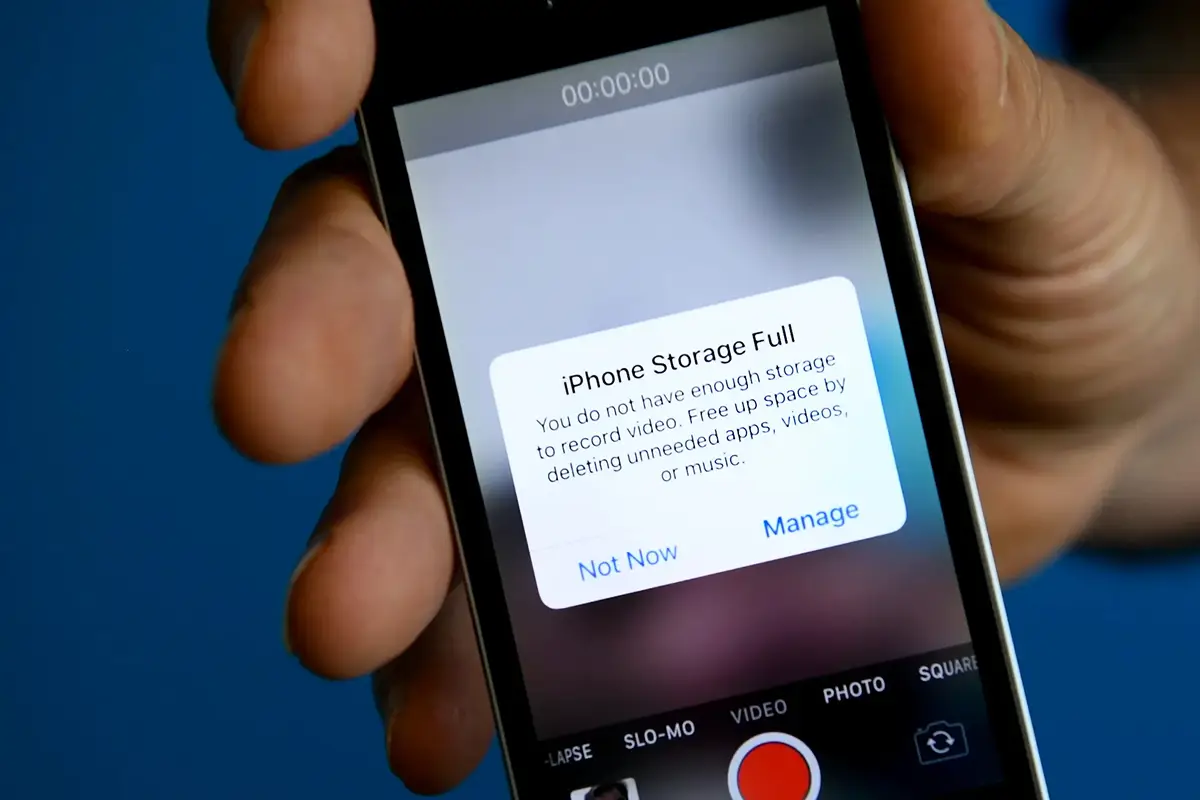
“Storage almost full.”
It’s one of the most frustrating phone messages out there — and it always seems to show up when you’re trying to take a photo or download something important.
Here’s what it really means and what you can do about it.
1. What Is Device Storage?
Your phone’s storage is like a closet. It holds everything:
- Photos and videos
- Apps
- Messages
- Downloads
- System files (things your phone needs to run)
When the closet fills up, you start getting those warning messages.
2. What’s Taking Up So Much Space?
You can check this in:
- iPhone: Settings → General → iPhone Storage
- Android: Settings → Storage or Device Care
You’ll usually see:
- Photos & Videos (the biggest culprits)
- Apps (some take more space than you think)
- Downloads (PDFs, files, email attachments)
3. What You Can Safely Delete
- Old photos or videos (especially duplicates or blurry ones)
- Apps you no longer use
- Downloads folder (check for things you don’t need anymore)
💡 Tip: Delete large videos you’ve already backed up — they eat up space quickly.
4. How to Free Up Space Without Losing Anything
- Use the cloud: Services like Google Photos or iCloud can back up your pictures so you can delete them from your phone
- Offload apps: On iPhone, you can keep an app’s data but remove the app itself
- Transfer files: Move photos to your computer or an external drive
Final Thought
Your phone should be a helpful tool — not a source of stress. With a little cleanup, you’ll have more space, fewer pop-ups, and a smoother experience.
📦 Looking for more helpful tips like this? Explore Una’s guide section or subscribe to our updates for weekly guides made with you in mind.
Get More Guides Like This
Sign up to receive helpful guides and tips delivered to your inbox.
We'll send you helpful content, never spam.